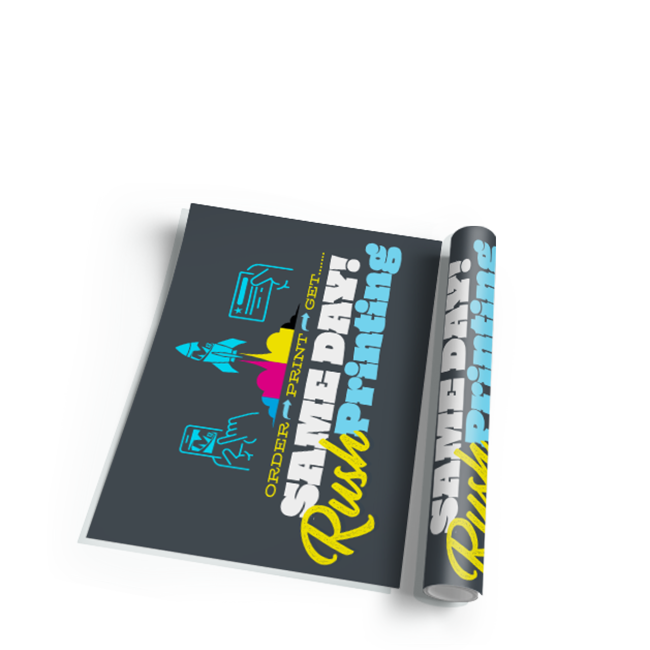
Get your posters printed today with our same day poster printing service. Order by 1?PM CST and we’ll deliver bold, high-resolution posters the very same day. Printed on premium satin, gloss, or matte stock, these posters are perfect for events, promotions, signage, or retail displays. Available in multiple sizes and printed with full-color precision, our posters are designed to stand out and ready for pickup or same-day shipping.
Need help creating a poster that grabs attention? Our design team is ready to jump in. Whether you’ve got a rough idea or need a full layout from scratch, we’ll craft a visually impactful poster that’s sized, formatted, and optimized for same-day production. We’ll make sure your message looks its best fast.
100 lb Opaque Text (7pt) CLEARANCE
100 lb Gloss Text
60 lb Offset
16pt C2S Cardstock
100 lb Uncoated Cover (14pt)
9pt C2S Cardstock
(Not available on all paper or stock)
High Gloss UV
High Gloss UV on ONE SIDE
Gloss Aqueous
Matte Aqueous
We do tons of same day poster printing, and we have streamlined the process to make it as easy as possible. Just download the same day poster template for the size and application format you need, create your artwork, and upload your design to print.
If you are doing a custom size or do not see a template in the application you are using, please be sure to use the following specifications to design your same day poster.
To ensure the best print results, follow these file setup guidelines when preparing your artwork:
Resolution: 300 dpi
Bleed: 1/8" (0.125") on all sides
Color Mode: CMYK (or spot colors when applicable)
File Format: PDF (with fonts embedded or outlined)
• Make sure images are not compressed (turn off downsampling when exporting)
• Backgrounds that touch the edge must extend 0.125" beyond the trim line (bleed)
• You may include crop marks, but do not include file names or timestamps — it can throw off the layout
• Embed or outline all fonts to ensure crisp, clean text and avoid font errors
File > Export
Choose format: Adobe PDF (Print)
Select preset: Press Quality
Under Marks and Bleeds, check:
- Crop Marks
- Use Document Bleed Settings (.125")
Click Export
File > Save As or Save a Copy
Choose format: Adobe PDF
Select preset: Press Quality
Under Marks and Bleeds, check:
- Crop Marks
- Bleed (.125")
Click Save
File > Save As
Choose format: Photoshop PDF
Select preset: Press Quality
Click Save
A press-quality PDF helps avoid printing issues, keeps your design accurate, and ensures everything prints clean and sharp. If you have any questions, give us a call at 877-613-1913 we’re here to help!
Using our same day poster template is simple. Just download the size and application format you need, create your artwork, and upload your design to print.